
Notes that live where they belong.
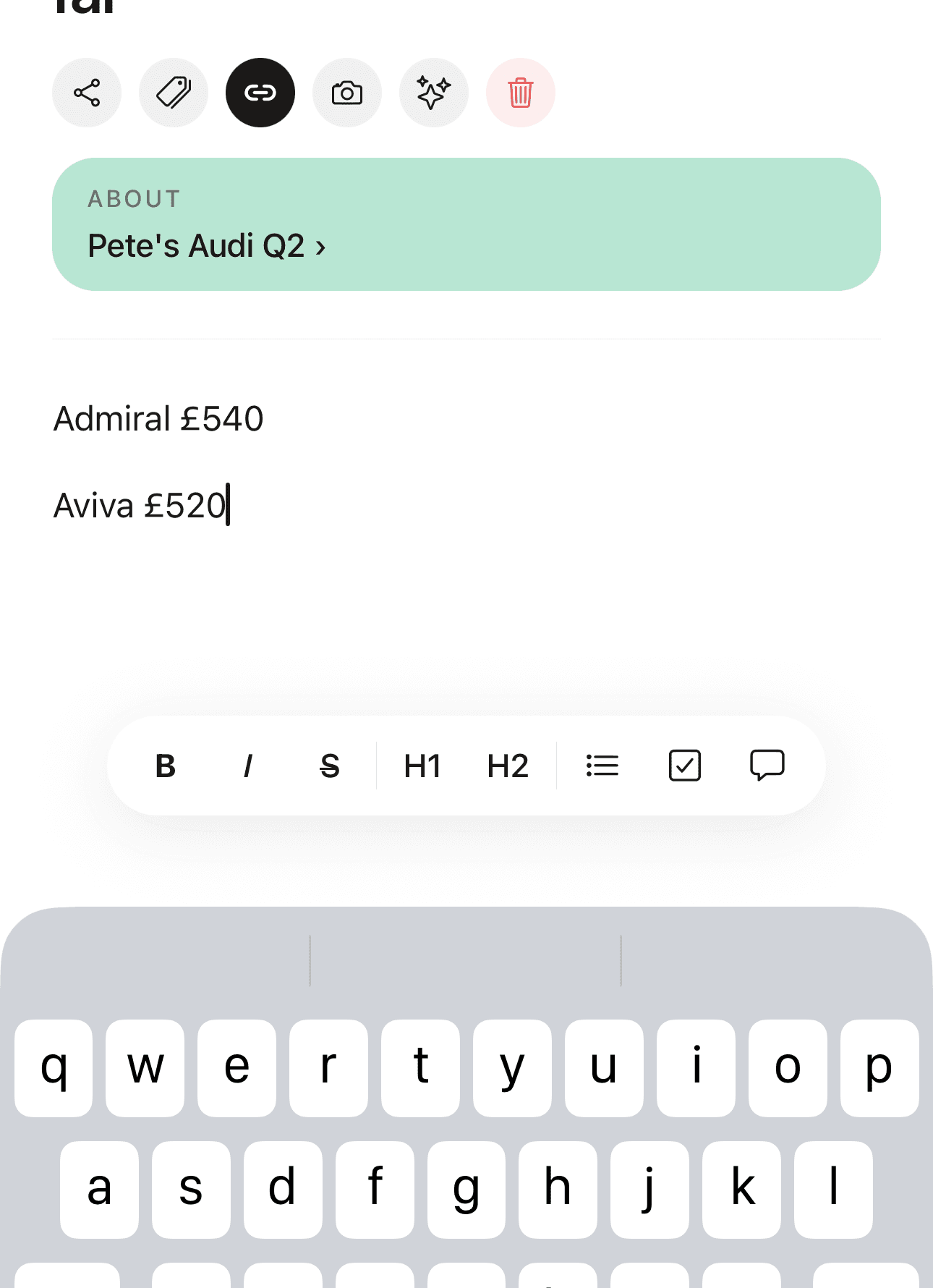
A calm, live markdown editor in the Bear tradition, with the one thing no notes app does: a note can be attached to the vault item it is about.
Start freeThe boiler engineer's advice lives on the boiler.
The engineer tells you the pressure valve is on its way out and to keep an eye on it. In any other app, that note goes somewhere and is never seen again.
In Roost, it lives on the boiler. Open the boiler's vault item next year and the advice is right there, next to the Gas Safe number and the service date.
Checklists that are actually tasks.
Tick a checkbox in a note and the matching task is done. Complete the task and the note updates. Both directions, automatically.
Meeting notes with actions in them stop being a place where actions go to die.
Deliberately restrained.
Bold, italic, strikethrough, H1 to H3, bullets, checklists, blockquote. Auto-save with a visible Saved badge. That is the whole editor.
No databases, no blocks system, no relations to configure, no evening spent building your setup before you can write anything down. If you have ever abandoned a beautifully structured workspace two weeks after making it, that is the problem this is answering.
Shared notes, both of you writing.
Share a note with your household and you both edit it, saved on a five second debounce so nobody loses a paragraph. No read-only second seat, no owner and member split.
When you need the other person to actually look, the nudge button sends a push that opens straight onto the note.
39 note templates, already shaped.
The useful thing about a template here is not the formatting, it is remembering what to write down while you are still in the room.
Common questions
Can I attach a note to an insurance policy or appliance?
Yes, and it is the main reason Roost's notes exist. Any note can be linked to a vault item, so what the engineer told you about the boiler sits on the boiler, next to its Gas Safe number and service date. Open the item a year later and the note is still there.
Do note checklists sync with tasks?
Yes, in both directions. Tick a checkbox inside a note and the matching task is completed. Complete the task and the note updates. Meeting notes with actions in them stop being a place where actions go to die.
Can my partner edit a shared note?
Yes. Share a note with your household and both people can edit it, with changes saved on a five second debounce and a visible Saved badge. There is no read-only tier and no owner hierarchy. There is also a nudge button when you need the other person to look at it.
Is this a replacement for Apple Notes?
For household and life admin, yes: Roost holds the note against the policy, appliance or vehicle it concerns, which Apple Notes cannot do. For freeform scribbling and drawing, Apple Notes is still better. We wrote a fuller comparison of the two.
Can I attach files to a note?
Yes, up to 10 MB per file, and attachments are included on every plan rather than held back for Pro. PDFs, photos and scans all work.
Are my notes private?
Notes you keep personal are end-to-end encrypted on your device, and Roost cannot read them. Notes you share with your household are encrypted at rest with row-level security, so only the people you shared with can query them.
Write it down where you will find it.
Ten notes free, no card, and every one of them can live on the thing it is about.
Start freeSee also Roost as an Apple Notes alternative and the vault a note can attach to.