
Best shared shopping list app for couples UK (2026)
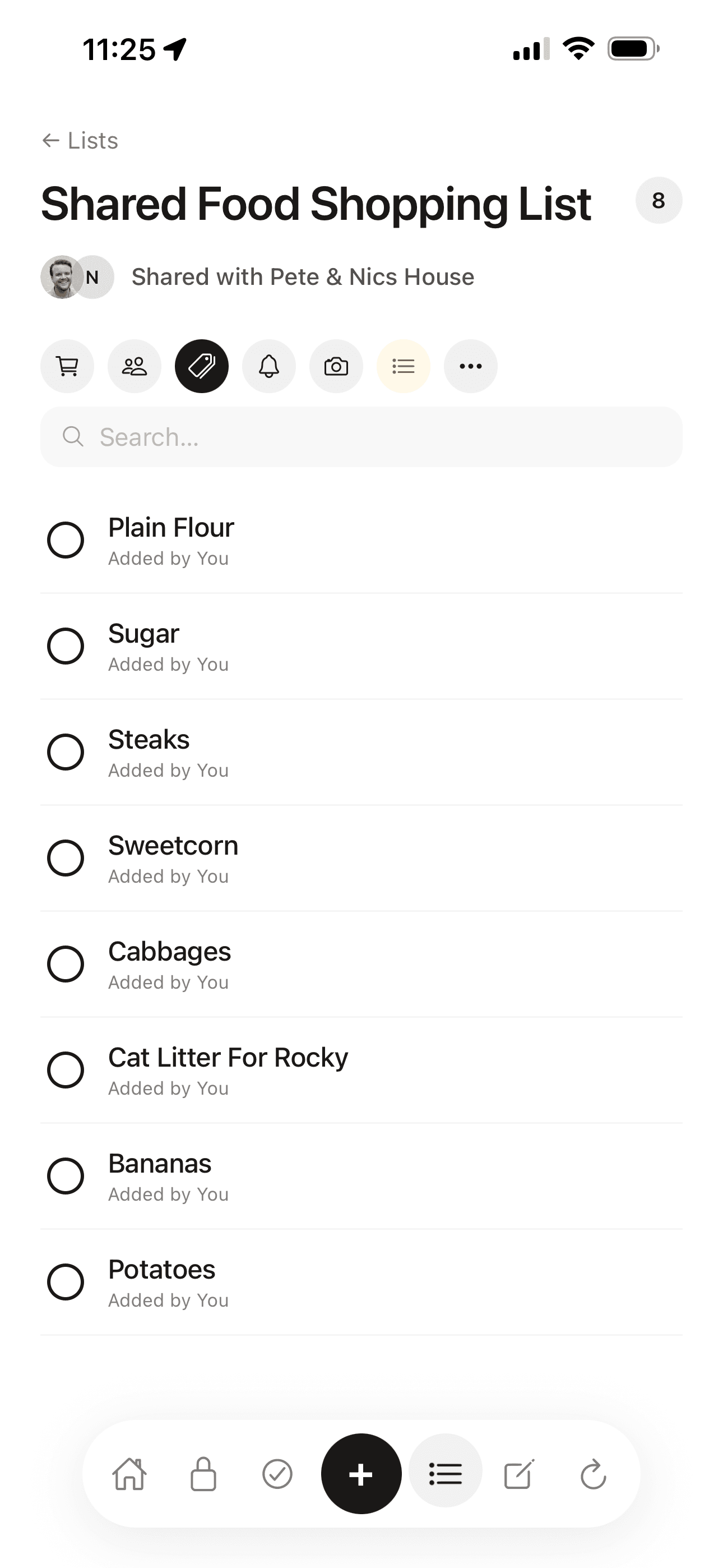
Finding a good shopping app for couples sounds straightforward. In practice, what matters is whether both phones update the moment either person makes a change, whether the list shows who added what, and whether the app supports more than just groceries. Here is what is available in the UK in 2026.
What to look for in a shared shopping list app
The most important factor is sync speed. Some apps push changes immediately the moment an item is added; others only sync when you open the app. For a grocery list where one person is in the supermarket and the other is at home adding things, the difference matters. You want the list to update before your partner reaches the pasta aisle, not after.
Beyond sync, the practical questions are: does it show who added each item (useful for knowing whether someone has already picked something up), does it support more than one kind of list (shopping versus films versus restaurants), and does it fit into how you already manage your home.
Most shared list apps do the basics well. The differences show up in the details: how the free tier is limited, whether it works on Android, what happens when one phone is offline, and whether there is anything else the app can do for your household beyond the grocery list.
At a glance
| App | Cost | Sync | Other lists | Platforms |
|---|---|---|---|---|
| Roost | Free / £5.99/mo | Real-time | Films, books, TV, restaurants and more | iOS + web |
| Any.do | Free / £5.99/mo | Real-time | No | iOS + Android + web |
| TickTick | Free / £2.39/mo | Real-time | No | iOS + Android + web |
| Apple Reminders | Free | Real-time (iCloud) | No | Apple only |
| Google Keep | Free | Real-time | No | iOS + Android + web |
Roost
Best for household admin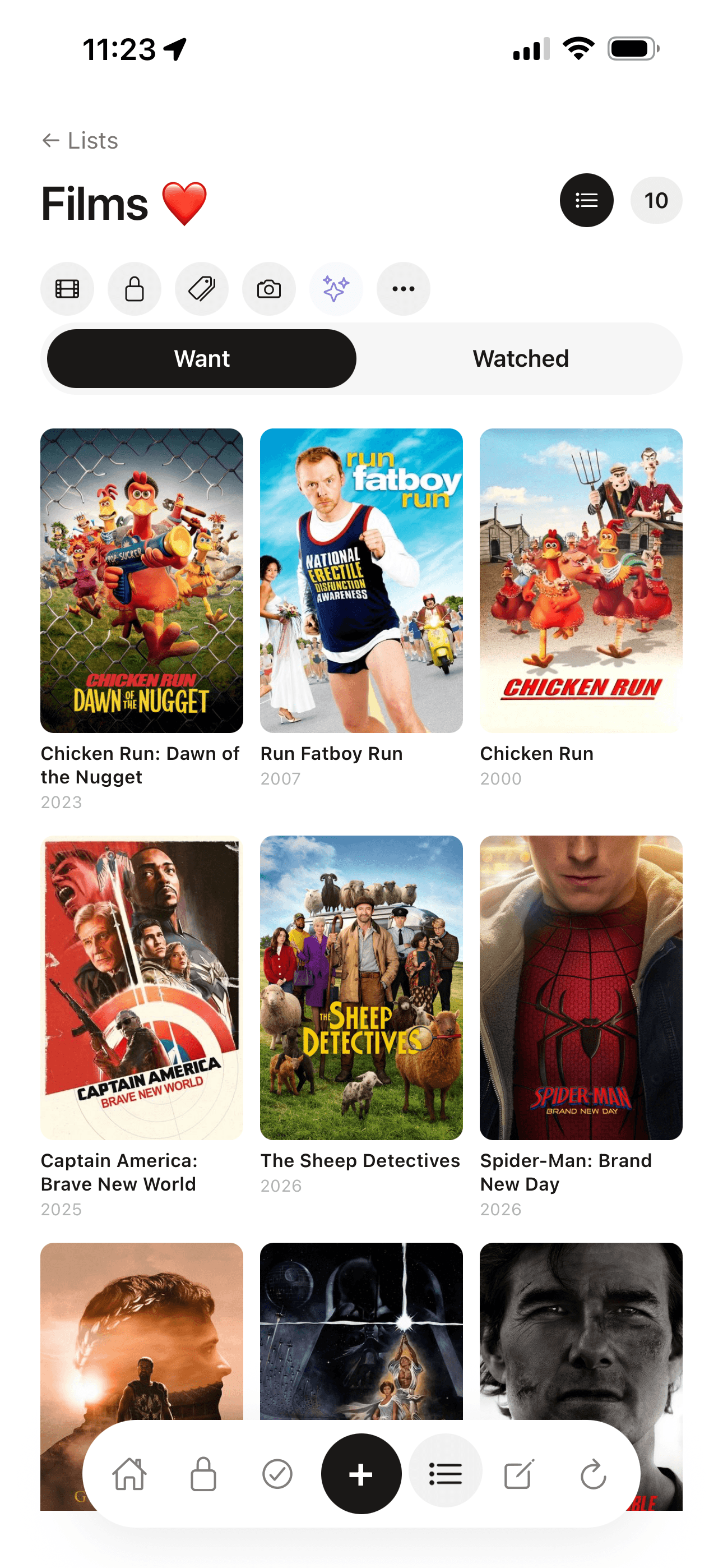
Roost is a household admin app built for UK couples and households. The shared shopping list is part of a wider tool that covers insurance records, renewal reminders, home maintenance routines and emergency info; the lists feature stands on its own.
When either person adds an item to the shopping list, it appears on the other phone immediately. Items show who added them, so there is no confusion at the checkout about what is already in the basket. You can add items from the app or from the web, whichever is to hand.
Beyond the basic shopping list, Roost includes dedicated list types for films (with poster art auto-fetched from a database), books (with cover art), TV shows, restaurants, records, places to visit, gift ideas and recipes. Each type has its own space and its own format. This is the main practical difference from the other apps here: most shared list apps give you one kind of list. Roost gives you many.
The limitation is platform coverage. Roost is iOS and web as of 2026. There is no native Android app. If one partner is on Android, the web app works in their browser, but it is not the same experience as a native app. For a couple where both are on iPhones, this is not a problem. For mixed households, it is worth knowing.
What it does well
- Real-time sync with who-added attribution
- Multiple list types including films, books, restaurants and more
- Free plan includes shared lists
- Sits alongside insurance vault, renewal reminders and home routines
Limitations
- No native Android app (web works, but it is not native)
- Not a task manager or calendar tool
Any.do
Best for task management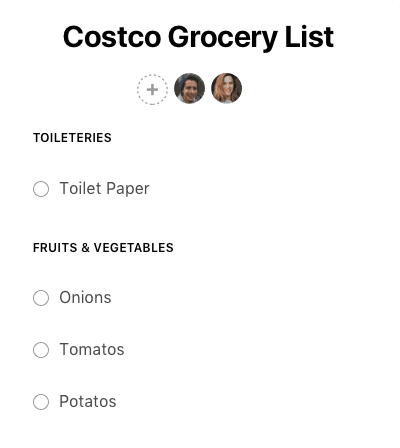
Any.do started as a personal task manager and has grown into a household tool. It has shared lists, a calendar view, and a 'Moment' feature that surfaces your most important tasks each morning. For couples who want a shared shopping list alongside a broader to-do system, it fits.
The collaboration is real-time. You can share individual lists with specific people, and both people see changes as they happen. The free tier is usable, though some features are behind the paid plan at £5.99 per month, which is the most expensive option on this list.
Any.do does not support multiple list types the way Roost does. It is one list format, used for tasks, groceries and everything else. If you want a shopping list that looks different from a film wishlist, you will need to manage that with naming conventions rather than list types.
What it does well
- Works on Android and iPhone
- Good calendar integration
- Established product with reliable sync
Limitations
- Most expensive paid tier on this list
- Free tier has collaboration limits
- No list types beyond tasks and checklists
TickTick
Best value paid option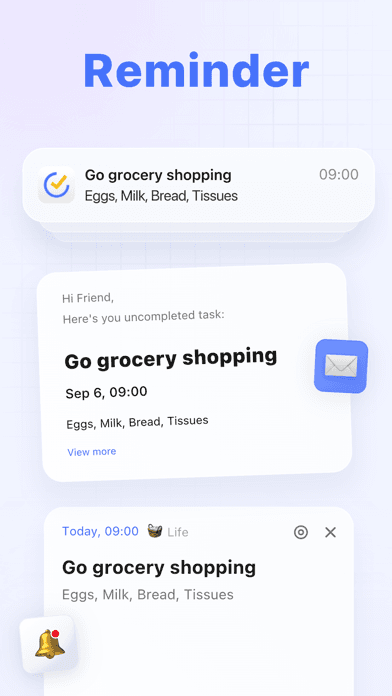
TickTick is a productivity app with strong shared list functionality. It has calendar integration, a built-in Pomodoro timer, habit tracking and flexible task organisation. For couples who want more than a shopping list, it packs a lot in.
The shared list feature is solid. Items sync in real time across platforms, the free tier is generous compared to any.do, and the paid tier at £2.39 per month is the best value on this comparison. If you are going to pay for a list app, TickTick gives you the most features for the money.
The depth of features can feel like overkill if all you want is a grocery list. The interface is designed for productivity users, so there is a learning curve compared to simpler apps. That said, once it is set up, the sharing works well and the app is reliable.
What it does well
- Best value paid plan at £2.39/month
- Works on Android and iPhone
- Calendar sync and habit tracking included
Limitations
- Feature-heavy interface for a simple shopping list use case
- No dedicated list types for films, books or restaurants
Apple Reminders
Best free option for iPhone users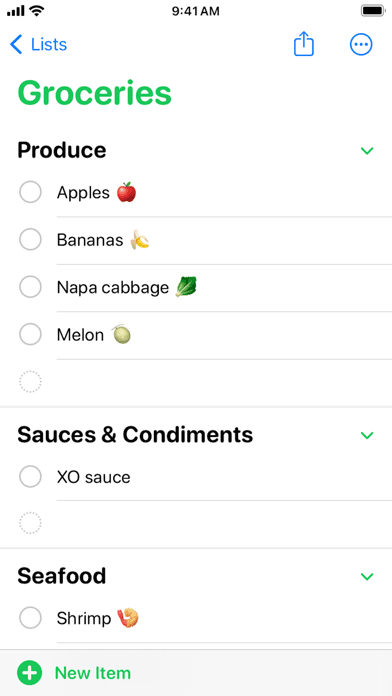
Apple Reminders is the obvious starting point for couples who both use iPhones. It is free, already on every iPhone and iPad, and the shared list functionality works reliably over iCloud. For a basic shared shopping list between two Apple users, it is genuinely difficult to justify paying for another app.
The grocery list mode is useful. Siri integration lets you add items without unlocking your phone. The shared list syncs immediately between devices. For straightforward shopping list use, it covers the basics well.
The limitation is platform lock-in. Apple Reminders only works on Apple devices. If one person switches to Android, the shared list breaks. It also handles nothing beyond reminders and lists: no household admin, no other content types, no renewal tracking.
What it does well
- Completely free
- Already installed on every iPhone
- Siri can add items by voice
- Reliable iCloud sync between Apple devices
Limitations
- Apple devices only, with no Android support
- No list types beyond reminders
- No household admin features
Google Keep
Best free cross-platform option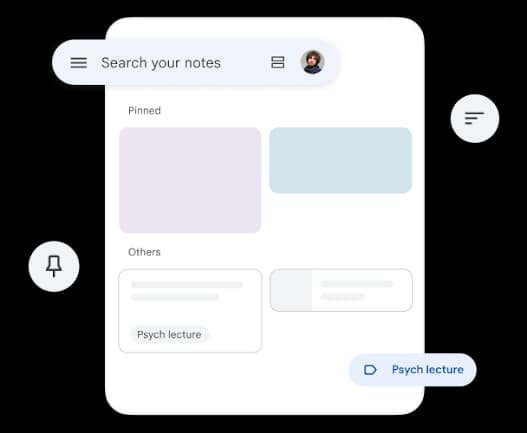
Google Keep is a notes app that handles shared checklists reasonably well. You create a note, convert it to a checklist, and share it with another person. Items can be ticked off as you shop, and changes sync in real time.
It is free and works everywhere: iPhone, Android and web. For couples who just want a quick shared grocery list and nothing else, Keep works. The interface is simple and there is almost no setup required.
The limitations show when you try to do more. Keep is not built specifically as a shared shopping list app. There is no distinction between list types: your shopping list looks the same as your film list, which looks the same as a note about your boiler service date. It gets messy quickly if you use it for several things at once.
What it does well
- Completely free
- Works on iOS, Android and web
- No setup required
Limitations
- Not designed specifically as a list app
- No separation between list types
- Basic feature set
Which should you choose?
If both of you are on iPhones and want a free option: Apple Reminders is the easiest choice. It is already on your phone, Siri can add items by voice, and the sync between iPhones is reliable. No setup, no subscription.
If one person is on Android: Any.do or TickTick are the strongest options. Both have native apps on iOS and Android with real-time sync. TickTick is better value at £2.39 per month. Any.do suits couples who also want calendar integration.
If you want a shared shopping list app that also handles the rest of your home: Roost is the only option on this list built specifically for household admin alongside shared lists. The lists feature covers shopping, films, books, restaurants and more. Alongside it, Roost stores your insurance details and warranties, tracks renewal dates, and handles home maintenance routines. If the shopping list is part of a bigger question about how to manage your household, Roost is the answer to the bigger question.
If you just want something free and cross-platform with no friction: Google Keep. It is not built specifically for shopping, but a shared checklist works fine and everything syncs immediately.
Common questions
What is the best shared shopping list app for couples in the UK?
For couples who want a shared shopping list alongside the rest of their household admin (insurance, renewals, maintenance reminders), Roost is designed specifically for this. For a standalone list, Any.do and TickTick both work well. Apple Reminders is the best free option for iPhone-only couples.
Do shared shopping list apps work on both Android and iPhone?
Most do. Roost is iOS and web as of 2026, so Android users access it through the browser rather than a native app. Any.do, TickTick and Google Keep all have native apps on both iOS and Android. Apple Reminders is Apple devices only.
Is there a free shared shopping list app for couples?
Yes. Roost has a free plan with shared lists included. Google Keep and Apple Reminders are completely free. Any.do and TickTick have free tiers, though some collaboration features are behind a paid plan. The free options are genuinely usable; the paid tiers mainly add depth.
Can you share multiple lists with the same person?
Yes. Roost supports multiple list types shared with the same household: shopping, films, books, restaurants, TV shows, records, places to visit and more. Any.do and TickTick also support multiple shared lists. Apple Reminders lets you share individual lists, so you can have a shopping list and a home list both shared with the same person.
What happens if one person's phone is offline?
Most apps cache your lists locally so you can still view and edit them without a connection. Changes sync when you reconnect. This matters most at the supermarket, where signal can be patchy. Roost, TickTick and Apple Reminders all handle offline use reasonably well.
Is there a shared shopping list app that also handles household admin?
Roost is the only app on this list built specifically for household admin alongside shared lists. It covers a vault for insurance and warranty details, renewal reminders, home maintenance routines and the 'If X Happens' emergency info feature. The shopping list is part of a wider household tool rather than a standalone list app.
Does a shared shopping list app need to show who added each item?
It's more useful than it sounds. When you're in the supermarket and an item is already in the basket, knowing who added it and why saves a lot of 'did you already get the milk?' messages. Roost shows who added each item on the shopping list. Most other apps on this list don't.
Related reading
Try Roost free
Shared shopping lists, films, books, restaurants and more, plus insurance, renewals and household admin in one place. Free to start, no card required.
Get started free